


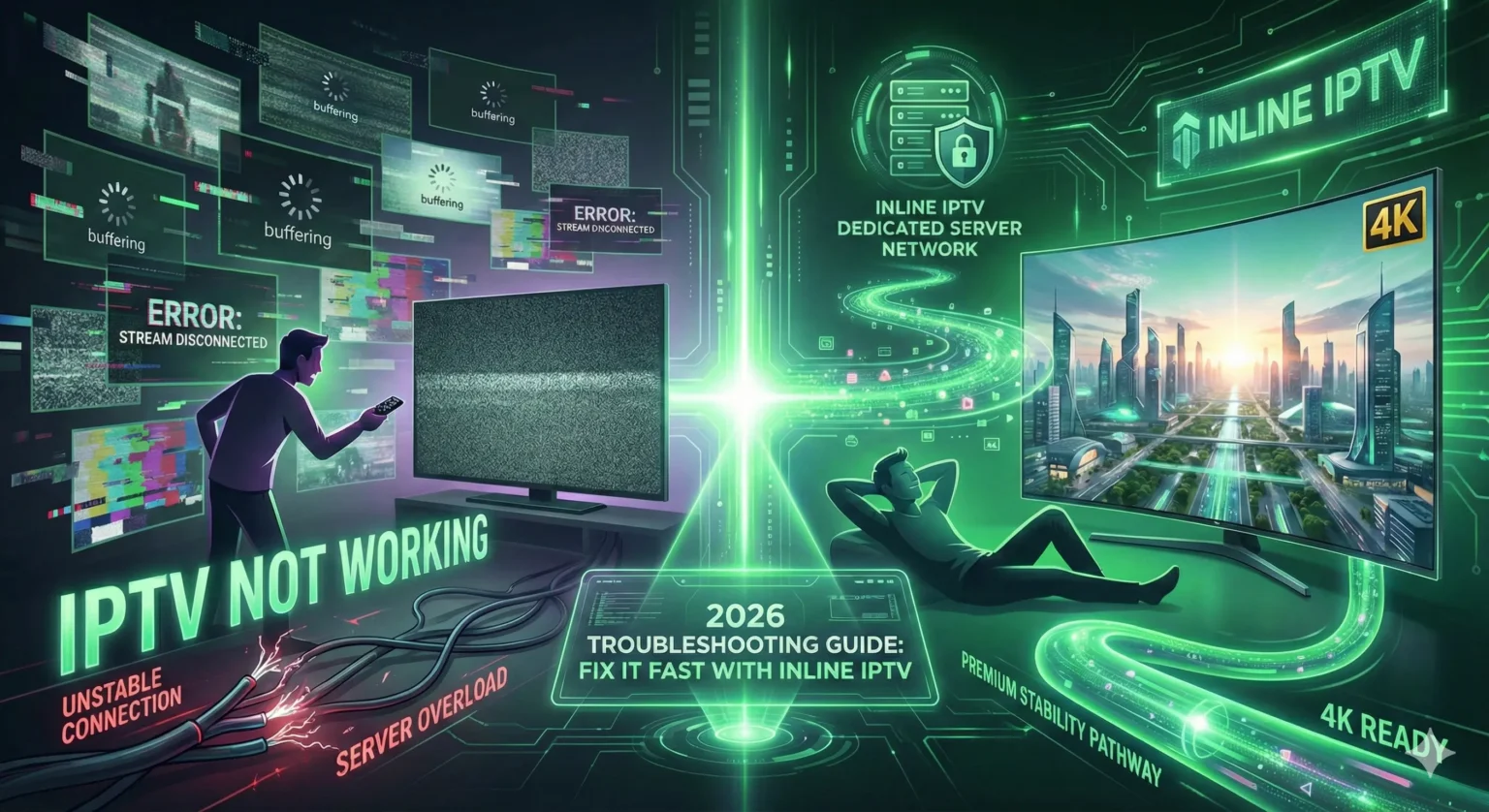
There is nothing more frustrating than settling in to watch the big game or the season finale of your favorite show, only to be greeted by a black screen, a freezing picture, or an endless loading loop. If you are currently staring at a blank television wondering, “Why is my IPTV not working?”, you are certainly not alone. As internet-based streaming becomes the dominant way we consume media in 2026, technical hiccups remain a common annoyance for users of low-quality or free services.
This guide is designed for everyone—from the non-technical viewer who just wants their TV to work, to the cord-cutter using advanced setups like Amazon Firesticks or Android boxes. We understand that you don’t want to become an IT expert; you just want reliable entertainment. Whether you are facing buffering, audio sync issues, or a service that completely refuses to load, understanding the root cause is the first step to fixing it.
By reading this article, you will gain a clear understanding of why streaming failures happen and, more importantly, actionable steps to resolve them immediately. We will cover internet diagnostics, device optimization, and why the quality of your provider plays a massive role in your viewing experience.
While many issues can be fixed with a simple router restart, persistent problems often point to the stability of the service itself. This is why we will also discuss how switching to a premium provider like Inline IPTV can eliminate these headaches for good, offering you the stability and support that free links simply cannot match. If you want to learn more about IPTV quality and how it affects your stream, read on.
Quick Summary: What You Need to Know
- Internet Stability is King: High speed isn’t enough; you need a stable connection (low jitter) to prevent freezing. Ethernet is always superior to Wi-Fi.
- The “Free” Trap: If your IPTV is not working regularly, it is likely due to server overcrowding on cheap or free subscriptions, not your internet connection.
- ISP Throttling: Your Internet Service Provider might be slowing down streaming traffic. A premium service or VPN can help bypass this.
- Device Maintenance: outdated apps and full caches are silent killers of streaming performance. Regular maintenance is required.
- The Premium Solution: Migrating to a trusted provider like Inline IPTV ensures dedicated server resources, 4K capability, and anti-freeze technology that cheap services lack.
- What is “IPTV Not Working” and Why Does It Happen?
- Key Factors When Diagnosing Streaming Issues
- Why Inline IPTV Excels When Others Fail
- Getting Started: Troubleshooting on Your Devices
- Tips for Smooth, Buffer-Free Streaming
- Important Note on Safety, Privacy, and Legality
- Who Benefits Most from a Reliable Service?
- Frequently Asked Questions
- Final Thoughts: Upgrade Your Experience Today
What is “IPTV Not Working” and How Does It Happen in 2026?
“IPTV not working” refers to the interruption of streaming content delivered over the internet, manifesting as buffering, freezing, looping footage, or a complete failure to connect to the server. It works by disrupting the data packets sent from the provider’s server to your device; when these packets are lost or delayed due to network congestion or server overload, the video player cannot render the image smoothly. This makes it impossible to enjoy live TV or on-demand content without constant interruptions.
In the broader context of 2026 streaming technology, IPTV (Internet Protocol Television) relies heavily on a consistent chain of communication. Unlike traditional cable or satellite, which broadcast a signal regardless of whether you are watching, IPTV sends data specifically to your IP address when you request it. If any link in that chain breaks—be it your local Wi-Fi, your ISP’s routing, or the provider’s upload capacity—the stream fails.
Users typically search for fixes to this problem when they encounter specific error messages like “Stream Down,” “Playback Error,” or simply a spinning wheel of death. While occasional glitches can happen to Netflix or YouTube, frequent failures in IPTV are usually symptomatic of a deeper issue with the subscription quality. Low-tier providers often oversell their bandwidth, meaning they have too many users for their server capacity. When a major sports event starts, thousands of users log in simultaneously, causing the system to crash for everyone.
More to Read


To get a comprehensive IPTV guide on how the technology works behind the scenes, checking our knowledge base can provide a deeper understanding of these technical bottlenecks.
Key Factors When Choosing a Service to Avoid “IPTV Not Working” Issues
If you find yourself constantly asking why your service is down, it might be time to evaluate the quality of the service you are using. Not all IPTV providers are created equal. When choosing a subscription in 2026, you must look at critical criteria to ensure you aren’t buying into a system destined to fail.
Here are the key factors that determine whether a stream stays live or goes dark:
- Server Stability and Uptime: Does the provider guarantee 99.9% uptime? Budget services rarely invest in redundant servers, meaning if one goes down, you lose everything.
- Video Compression Quality: High-quality streams (FHD/4K) require significant bandwidth. “Free” providers often over-compress video, leading to pixelation and artifacts even when the stream is “working.”
- Content Library Size vs. Quality: A provider offering 50,000 channels for $2 is a red flag. It is physically impossible to maintain stability for that many streams at that price point. Focus on providers who curate working channels over inflated numbers.
- Customer Support: When your IPTV is not working, do you have someone to call? Premium providers offer responsive support to reset lines or troubleshoot issues immediately.
Technical Reality Check: Professional IPTV services require a minimum internet speed of 25 Mbps for stable 4K streaming and low latency, as documented by general industry standards for high-bandwidth data transmission. If a provider claims their 4K service works on 5 Mbps DSL, they are not being truthful about the quality.
Investing in a serious provider like Inline IPTV avoids these common headaches because the infrastructure is built to handle peak loads. The difference between a $5 service and a premium service is often the difference between watching the World Cup final live or watching a spinning circle.
Why Inline IPTV Excels for Avoiding Streaming Failures
When you are tired of troubleshooting and just want to watch TV, Inline IPTV excels as the premier solution for stability in 2026. We don’t just sell links; we provide a managed streaming experience designed to counter the common causes of IPTV failure.
Why does Inline IPTV succeed where others fail?
- Massive Server Redundancy: We utilize a network of high-performance servers globally. If one node experiences high traffic, our load balancers automatically shift users to a stable server, preventing the dreaded “IPTV not working” blackout.
- Anti-Freeze Technology: Our proprietary buffering management technology minimizes freezing by pre-loading data more efficiently than standard playlists.
- Premium Content Library: We offer a vast selection of VOD and live channels, but we prioritize quality. Our 4K and FHD streams are true high-definition, not upscaled SD content.
- Data Protection: We value your privacy as much as your entertainment. Inline IPTV is committed to protecting your privacy and uses industry-standard encryption to secure your account and viewing data. Read more in our privacy policy.
- Risk-Free Guarantee: We are so confident in our stability that we offer a transparent refund policy. You can review our money-back guarantee to see how we protect your purchase.
We are trusted by thousands of users worldwide, serving customers across Europe, North America, and beyond who have moved away from unreliable providers. Our system is founded on principles of reliability and transparency—we don’t hide behind anonymous emails.
Ready to experience the difference? Start a free 24 hour trial today and see why thousands choose Inline IPTV for premium, buffer-free streaming.
Getting Started: Setting Up and Fixing “IPTV Not Working” on Your Devices
Setting up a reliable connection is usually quick and works on most modern devices. However, when things go wrong, knowing how to troubleshoot your specific hardware can save the day. Inline IPTV provides full support, but here are the immediate steps you can take if your stream drops.
Amazon Fire TV Stick / Fire Cube
The Firestick is the most popular device for IPTV, but its limited memory often causes crashes.
- Force Stop the App: Go to Settings > Applications > Manage Installed Applications. Select your IPTV app and click “Force Stop.”
- Clear Cache: In the same menu, click “Clear Cache” (do NOT click Clear Data unless you want to re-login).
- Check Connection: Go to Settings > Network and press Play/Pause to check your speed.
- Restart Device: Hold the Select and Play buttons simultaneously for 5 seconds to force a restart.
Android TV / Google TV / NVIDIA Shield
These powerful devices generally handle streams well but can suffer from background app clutter.
- Close Background Apps: Double-tap the home button (or use a background process killer app) to close unused applications eating up your RAM.
- Hard Reboot: Unplug the power cord from the back of the box for 30 seconds to clear the system cache completely.
- Update Firmware: Ensure your Android TV OS is updated to the latest 2026 version to support modern video codecs.
- Ethernet is Best: If possible, wire your device directly to the router rather than using Wi-Fi.
Smart TVs (Samsung Tizen / LG WebOS)
Smart TVs are convenient but their built-in apps can be glitchy compared to external boxes.
- App Refresh: Long-press the app icon and select “Reinstall” or “Update” if available.
- Cold Boot: Hold the power button on your remote for 5-10 seconds until the TV logo appears, forcing a full system restart.
- Change DNS: In Network Settings, change your DNS to 8.8.8.8 (Google) or 1.1.1.1 (Cloudflare) to bypass ISP routing issues.
- Check Memory: Delete unused apps to free up space for the streaming buffer.
Mobile Devices (iOS / Android)
Great for travel, but mobile networks can be unstable.
- Toggle Flight Mode: Turn Flight Mode on for 10 seconds and then off to reset your 4G/5G/Wi-Fi connection.
- Update App: Check the App Store or Google Play Store to ensure your IPTV player is the latest version.
- Close Other Apps: Swipe away social media or navigation apps that might be using data in the background.
- Test on Wi-Fi: If 5G is unstable, switch to a stable Wi-Fi network to rule out signal issues.
For more assistance with complex setups, check our detailed setup troubleshooting page.
Tips for Smooth, Buffer-Free Streaming
Even the best IPTV service can struggle if your home network isn’t optimized. If you find your IPTV not working intermittently, the bottleneck is often local. Here are 2026-ready tips to ensure your setup is bulletproof.
- Switch to Ethernet: Wi-Fi is convenient, but it is prone to interference from walls, microwaves, and neighbors. An Ethernet cable provides a dedicated lane for your data, reducing packet loss significantly.
- Upgrade Your Router: If you are using the default router from your ISP from five years ago, it cannot handle modern 4K streams. Upgrade to a Wi-Fi 6 router for better bandwidth management.
- Check Your Speed: 4K streaming typically requires at least 25 Mbps of stable internet connection, while HD content can run smoothly on 10-15 Mbps. Run a speed test on the actual device you are using, not just your phone.
- Disable VPN (If not needed): While VPNs protect privacy, cheap or free VPNs reduce speed by 50% or more. If you are using Inline IPTV, our encryption often negates the need for a VPN, improving your speed.
- Limit Network Usage: Don’t try to stream 4K live sports while someone else is downloading a 100GB video game on the same network.
- Regular Reboot Schedule: Restart your router and streaming device once a week to clear temporary caches and refresh the connection to the ISP.
If you have optimized everything and still face issues, our Inline IPTV support team is ready to help you analyze the problem deeper.
Important Note on Safety, Privacy, and Legality
When discussing IPTV not working, we must address the legal and safety landscape. Laws regarding IPTV vary significantly by location, and users should always be aware of their local regulations regarding streaming content.
One of the major risks of using unverified, “free”, or extremely cheap IPTV sources is security. To cut costs, these providers often utilize insecure servers that can be gateways for malware. Furthermore, because they operate in the shadows, they may disappear overnight, taking your money and data with them. This “fly-by-night” nature is a primary reason why streams suddenly stop working.
Inline IPTV positions itself differently. We are a customer-focused provider that prioritizes user safety. We use secure technology to ensure that your connection to our servers is encrypted, keeping your viewing habits private from prying eyes or ISP throttling. We believe in transparency and longevity, not quick cash grabs.
For your peace of mind, we offer a clear money-back guarantee. We want you to feel safe and confident that you are dealing with a professional organization that respects your data and your consumer rights.
Who Benefits Most from “IPTV Not Working” Solutions?
Solving the “IPTV not working” dilemma transforms the entertainment experience for several specific types of users. Switching to Inline IPTV isn’t just about fixing a bug; it’s about upgrading your lifestyle.
The Live Sports Fanatic There is nothing worse than the stream freezing right as a striker approaches the goal. For sports fans, latency and stability are non-negotiable. By switching to a premium service, you ensure that you see the goal when it happens, not 30 seconds later, and definitely not after a “buffer” circle ruins the moment.
The Expat Looking for Home Living abroad can be lonely without access to your local news, shows, and culture. Expats often rely on IPTV to stay connected. A reliable service ensures that whether you are in Spain, the US, or Asia, you have a stable link to your home country’s channels without the frustration of geoblocks or dead links.
The Movie Buff Family Family movie night is ruined if the 4K stream keeps pixelating. Families need a service that offers high-fidelity VOD (Video On Demand) that works instantly. Parents also need the reliability that the cartoons will play when needed, without having to fiddle with technical settings every ten minutes.
The Frequent Traveler Business travelers and digital nomads rely on mobile setups. They need a service that works on a tablet or laptop in a hotel room as easily as it does on a TV at home. A robust provider allows you to take your subscription anywhere, turning a boring layover into an entertainment opportunity.
Frequently Asked Questions About IPTV Not Working
What is the main reason for IPTV not working?
The most common reason for IPTV not working is an unstable internet connection or ISP throttling. Even if your speed is fast, high “jitter” or packet loss can kill a live stream. Alternatively, it may be an issue with the provider’s server being overloaded.
Does IPTV require a VPN in 2026?
Not always, but it helps prevent ISP throttling. Some Internet Service Providers deliberately slow down streaming traffic. A VPN hides your activity, preventing them from blocking or slowing your stream. However, Inline IPTV uses advanced encryption which often bypasses these blocks without needing a separate VPN.
Why does my IPTV keep buffering every few seconds?
Buffering occurs when your device plays video faster than it can download it. This is caused by slow internet, weak Wi-Fi signals, or the IPTV provider’s server being too slow to send the data. Switching to Ethernet or a premium provider usually fixes this.
Can I fix IPTV not working on my Smart TV?
Yes, often by clearing the app cache. Smart TVs have limited memory. Fully restarting the TV (unplugging it) and reinstalling the IPTV app can resolve memory leaks that cause the app to crash or freeze.
How do I know if the problem is my internet or the server?
Test the stream on a different network, like your mobile data. If the IPTV works perfectly on 5G mobile data but not your home Wi-Fi, the issue is your home internet. If it fails on both, the issue is likely with the IPTV provider.
Where can I find more help?
You can find extensive guides and support contacts on our frequent IPTV questions page.
Final Thoughts: Upgrade Your Experience Today
If you are tired of dealing with constant interruptions, hopefully, this guide has shown you that IPTV not working is a solvable problem. Whether it’s tweaking your Wi-Fi, updating your device, or simply realizing that your current “free” provider isn’t up to the task, you have the power to fix it.
Ultimately, achieving a premium entertainment experience requires a premium foundation. Reliability, high uptime, and crystal-clear 4K resolution are not accidents; they are the result of investing in quality infrastructure. Inline IPTV stands apart by offering dedicated support and robust servers designed for the modern viewer.
Don’t settle for buffering and unreliable streams that cut out when you need them most. If you are ready to fix your streaming issues once and for all, the solution is just a click away.
Check if your current provider is the problem: iptv not working — click here to compare our stability against your current service.
Don’t wait for the next blackout. Start your 24-hour free trial with Inline IPTV today—no credit card required, cancel anytime. Experience the stability you deserve.

