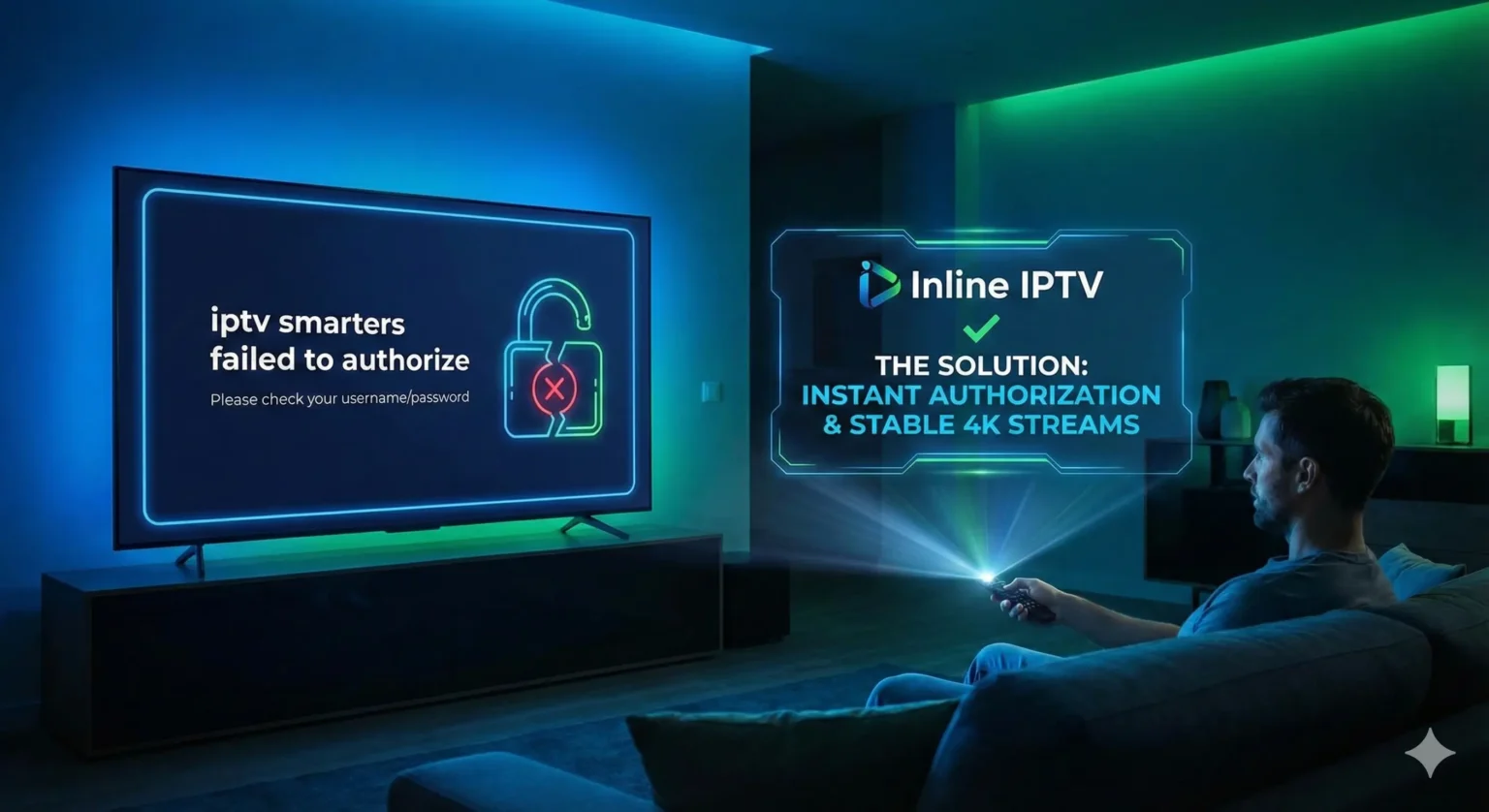
There are few things more frustrating than settling down on your sofa, snacks in hand, ready to watch the big game or your favorite series, only to be greeted by a cryptic error message. If you use the popular IPTV Smarters Pro app, you have likely encountered the dreaded screen that says iptv smarters failed to authorize. In an instant, your entertainment plans are halted, leaving you staring at a login screen instead of high-definition content.
This error is one of the most common technical hurdles facing streaming enthusiasts today. It can happen to total beginners setting up their first Fire Stick, and it can happen to seasoned cord-cutters who have been streaming for years. The message implies a rejection of your credentials, but the root cause can range from a simple typo to a server outage, or even interference from your internet service provider.
In this comprehensive guide, we will dismantle this error. We will explain exactly what causes the iptv smarters failed to authorize message, how to troubleshoot it step-by-step, and how to ensure it never happens again. For many users, this error is a wake-up call that their current playlist provider isn’t up to the task. If you are tired of unreliable connections and constant login failures, we will also show you why Inline IPTV is the trusted solution for uninterrupted, high-quality entertainment.
Quick Summary: What You Need to Know
Before we dive into the deep technical details, here are the key takeaways you need to resolve this issue quickly:
- Check Your Credentials: The #1 cause of this error is a typo. Usernames and passwords are case-sensitive.
- Provider Stability Matters: Often, the app works fine, but the “cheapest” provider’s server is down or deleted.
- Internet Restrictions: Some Internet Service Providers (ISPs) block IPTV URLs. A simple network restart or DNS change can help.
- The Ultimate Fix: Switching to a premium, verified provider like Inline IPTV eliminates account validity issues and provides 24/7 support to ensure you always get authorized instantly.
What is “iptv smarters failed to authorize” and How Does It Work in 2025?
To fix the problem, you first need to understand what is happening behind the scenes of your application. The phrase iptv smarters failed to authorize is a specific error code generated by the IPTV Smarters (or Smarters Pro) application.
IPTV Smarters is a “player” application. It does not contain any content of its own; it is simply a shell or an interface. When you enter your username, password, and URL (or upload an M3U playlist), the app sends a “handshake” request to the provider’s server. It is asking, “Does this user exist, and is their subscription active?”
If the server replies “Yes,” the app loads your channels, movies, and series. However, if the server replies “No,” or if the server cannot be reached at all, the app displays iptv smarters failed to authorize.
More to Read

In 2025, streaming technology has advanced, but so have security protocols. Providers are stricter about how many devices can connect at once, and ISPs are more aggressive about monitoring traffic. This means the error isn’t always about a wrong password—it could be a geo-lock issue, an ISP block, or a subscription that expired five minutes ago. Understanding that this is a communication breakdown between your device and the server is the first step toward finding a solution.
Key Factors When Choosing a Service for iptv smarters failed to authorize
If you are constantly seeing this error, it is highly likely that the issue lies with the quality of the service you are trying to access. Not all IPTV subscriptions are created equal. When your screen says iptv smarters failed to authorize, it is often a symptom of a low-quality provider.
When looking for a replacement service that guarantees successful authorization and smooth streaming, you should evaluate providers based on these critical criteria:
1. Server Uptime and Reliability
The most common reason for authorization failure (outside of typos) is that the provider’s server is offline. Cheap or “free” services often run on overloaded servers that crash during peak hours. You need a premium provider that guarantees 99.9% uptime so that authorization requests are always accepted instantly.
2. Clear Setup Instructions
Many errors occur because users are guessing the server URL. A professional service will send you an automated, clear email immediately after purchase containing the exact Host URL, Username, and Password to copy and paste.
3. Multiple Connections
If you try to use one account on two devices when your plan only allows one, the server will reject the second login request, triggering the authorization error. Look for providers that offer multi-connection plans so you can watch in the living room while the kids watch in the bedroom.
4. Responsive Customer Support
If you get a login error on a Saturday night, you shouldn’t have to wait until Monday morning for a fix. You need a provider with 24/7 support via WhatsApp or email to reset your line or troubleshoot immediately.
5. High-Quality Streams (Anti-Freeze)
While not directly related to login, a provider that invests in Anti-Freeze technology usually has the robust backend infrastructure required to handle login requests smoothly without timing out.
Why Inline IPTV is the Best Choice for iptv smarters failed to authorize
If you want to stop troubleshooting and start watching, Inline IPTV is your best solution. We have built our infrastructure specifically to avoid the common pitfalls that lead to the iptv smarters failed to authorize error.
Here is why thousands of users have switched to Inline IPTV to secure their entertainment:
- Instant Authorization: Our high-performance servers are optimized to validate login credentials in milliseconds. You won’t be left watching a spinning wheel only to get an error message.
- Massive Library: Once you are logged in, you gain access to over 27,000 live TV channels and more than 130,000 VOD (Video On Demand) titles, including the latest movies and series.
- Crystal Clear Quality: We offer true 4K and Ultra HD streaming. We believe that if you pay for a service, you should be able to see every detail of the action.
- Dedicated Support: If you ever encounter a setup issue, our team is available to guide you. We don’t just sell you a link; we ensure you get connected.
- Risk-Free Trial: You don’t have to take our word for it. We are so confident in our server stability that we allow you to test the service before committing.
Choosing Inline IPTV means choosing peace of mind. Instead of wondering if your TV will work tonight, you can be confident that your content is ready whenever you are.
Start your free 24-hour trial with Inline IPTV here
Getting Started: Setting Up iptv smarters failed to authorize on Your Devices
If you have your Inline IPTV credentials ready, setting up IPTV Smarters is usually a breeze. The interface is user-friendly, provided you input the data correctly. Below is a quick guide for the most popular devices.
Amazon Fire TV Stick
The Fire Stick is the most popular device for IPTV. Since Smarters isn’t always in the official Amazon App Store, you may need to sideload it.
- Go to Settings > My Fire TV > Developer Options and turn on Apps from Unknown Sources.
- Install the Downloader app from the Amazon Store.
- Open Downloader and enter the URL for the IPTV Smarters APK (a quick Google search will give you the direct shortcode, or ask our support).
- Install and Open the app.
- Select Login with Xtream Codes API (this is the most stable method).
- Enter the Name (Any name), Username, Password, and URL provided in your Inline IPTV welcome email.
- Click Add User.
Android TV / Google TV
Most Android TVs and boxes (like NVIDIA Shield) have access to the Google Play Store, or can easily sideload apps.
- Open the Google Play Store.
- Search for IPTV Smarters Pro (or a branded equivalent like Smarters Player Lite).
- Download and install the app.
- Open it and choose Login with Xtream Codes API.
- Carefully type in your Inline IPTV credentials.
- Click Login and wait for the “Download Channels” bar to finish.
Smart TVs (Samsung & LG)
Samsung and LG use their own operating systems (Tizen and WebOS).
- Go to the Samsung Apps Store or LG Content Store.
- Search for IPTV Smarters Pro. (Note: If it is not available, search for alternative players like IBO Player or Duplex Play which work similarly with Inline IPTV).
- Install the app.
- Enter your playlist details. On some TV apps, you may need to go to a website on your computer to upload the playlist using the device’s MAC address.
Mobile Devices (iOS & Android)
Streaming on the go is easy.
- Android: Download IPTV Smarters Pro from the Play Store or sideload the APK.
- iOS (Apple): The official Smarters app is sometimes removed from the Apple App Store. Look for Smarters Player Lite.
- Open the app, select Xtream Codes API, and enter your login details.
Tips for Smooth, Buffer-Free Streaming
Once you have bypassed the iptv smarters failed to authorize error and successfully logged in, your next goal is to ensure the stream never buffers. Even with a premium service like Inline IPTV, your local network environment plays a huge role.
Here are expert tips to optimize your setup:
- Use Ethernet Over Wi-Fi: Wi-Fi signals fluctuate, especially through walls. For 4K streaming, a hardwired Ethernet cable directly to your router is always superior.
- Check Your Internet Speed: You generally need at least 25 Mbps for HD and 50+ Mbps for 4K streaming. Run a speed test on the device itself, not just your phone.
- Refresh Your Router: If you encounter buffering or login issues, unplug your router for 30 seconds and plug it back in. This clears the cache and refreshes your connection to the ISP.
- Update the App: Ensure you are using the latest version of IPTV Smarters. Outdated versions may have bugs that cause authorization failures.
- Clear App Cache: In your device settings, go to Applications > Manage Applications > IPTV Smarters > Clear Cache. This removes old data that might be conflicting with the login process.
If you are still facing issues after trying these tips, check out our frequent IPTV questions page for more deep-dive troubleshooting.
Important Note on Safety and Legality
When discussing IPTV, it is vital to touch upon safety. The internet is flooded with “free” IPTV lists and super-cheap providers promising the moon for pennies. However, these are often the sources that give you the iptv smarters failed to authorize error most frequently because they are unstable and often disappear overnight.
More fastidiously, using unverified sources can pose security risks.
- Data Privacy: Unverified apps or providers might track your IP address or sell your data.
- Malware: Downloading APKs from shady websites can introduce malware to your network.
At Inline IPTV, we prioritize user privacy and data security. We do not log your viewing habits, and our payment gateways are secure. We encourage users to verify the local laws regarding streaming in their specific country to ensure they are compliant. For more details on how we handle your information, please review our Inline IPTV privacy policy.
Also, be wary of services that do not offer refunds. A legitimate business stands by its product. We offer a clear refund policy because we know our service works.
Who Benefits Most from iptv smarters failed to authorize?
Ideally, no one benefits from the error itself! But finding a solution to this error benefits specific types of users who rely on consistent streaming.
The Live Sports Fanatic
Imagine it is the World Cup final or the Super Bowl. You tune in, and the screen goes black with an authorization error. For sports fans, reliability is not optional; it is mandatory. By switching to Inline IPTV, sports fans ensure that when the game starts, they are in the virtual stadium, not fighting with a login screen.
The International Expat
Expats living abroad use IPTV to stay connected with news and culture from home. The iptv smarters failed to authorize error is particularly painful here because it cuts that link to home. A stable service ensures that whether you are from the UK, USA, France, or elsewhere, your home channels are always just a click away.
The Movie Buff Family
Family movie night is ruined if you spend the first 45 minutes troubleshooting tech issues. Families need a “plug and play” solution. They need a service that authorizes instantly so the kids can watch cartoons and the parents can watch the latest blockbusters without a headache.
Frequently Asked Questions About iptv smarters failed to authorize
Why does it say “failed to authorize” when my internet is working?
This usually means the issue is not your internet speed, but a block between your ISP and the server, or the provider’s server is down. It can also mean your subscription has expired.
Do I need a VPN to fix the authorization error?
Sometimes, yes. If your Internet Service Provider is blocking the IPTV URL, using a VPN can bypass this block and allow the authorization to go through. However, Inline IPTV uses advanced technology that often works without a VPN.
Is the error because of the app or the provider?
90% of the time, it is the provider (invalid details, expired account, server down) or user error (typos). Only rarely is the app itself the problem. Trying a different player (like Tivimate or XCIPTV) can help confirm this.
Can I use my Inline IPTV account on multiple devices?
Yes, Inline IPTV offers plans that support multiple connections. However, if you try to connect more devices than your plan allows, you will trigger an authorization error on the extra devices.
What should I do if I paid but still get the error?
First, check your email for the correct credentials (watch out for capital letters). If that fails, contact support immediately. At Inline IPTV, our support team can check your account status instantly.
Final Thoughts: Upgrade Your Experience Today
The error message iptv smarters failed to authorize is more than just a technical glitch; it is a sign that your current streaming setup isn’t working for you. Whether it is due to a typo, an ISP block, or an unreliable provider, you deserve better than staring at an error screen.
Streaming should be relaxing, high-quality, and effortless. By following the troubleshooting steps in this guide, you can likely fix the immediate issue. But for a long-term solution that brings you the best of 4K entertainment without the constant fear of disconnection, it is time to upgrade.
Don’t let a login error decide your evening entertainment. Join the thousands of satisfied customers who have made the switch to a premium viewing experience.
Request your free IPTV trial with Inline IPTV now and say goodbye to authorization errors for good.